

Fast, One-ClickKopage Hosting
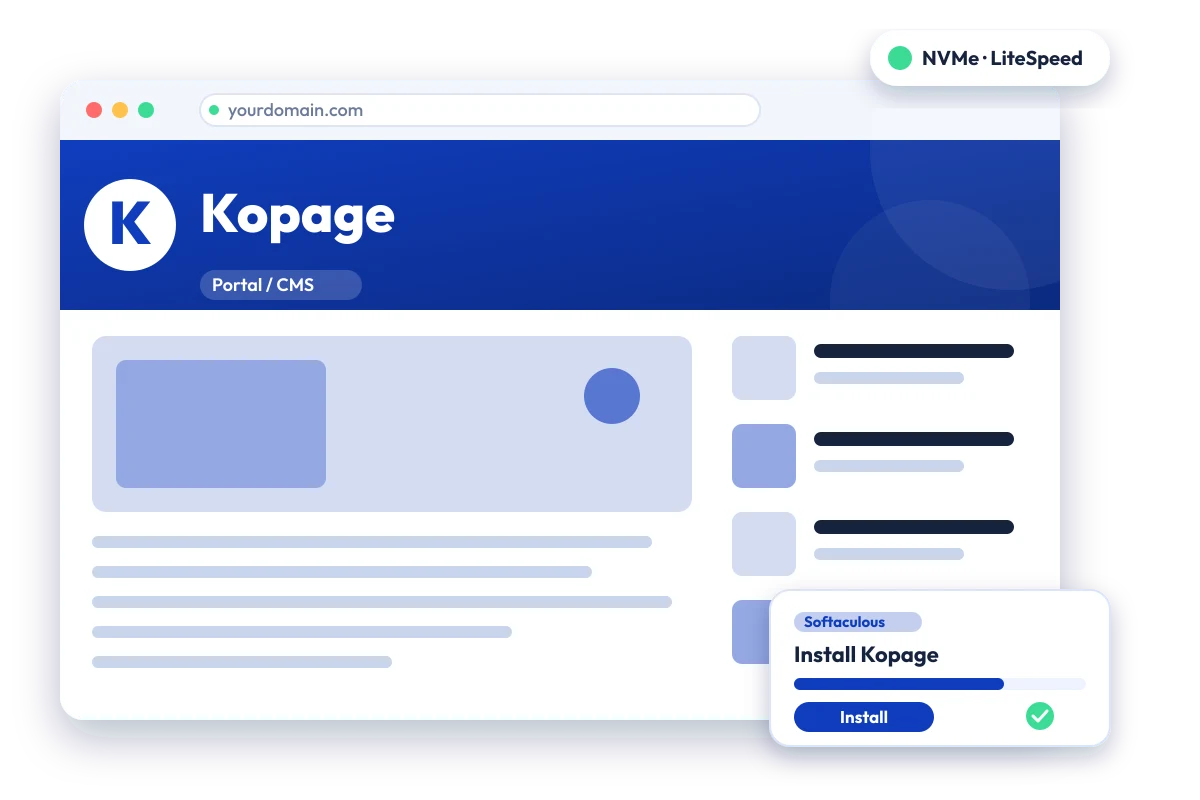
Drag-and-drop website builder aimed at web hosting providers and their customers. Install Kopage in one click with the Softaculous installer on cPanel NVMe hosting: LiteSpeed, free SSL, daily backups and 24×7 support. From ₹129.00/mo billed triennially.
1-Click Kopage
Live in minutes
NVMe + LiteSpeed
Fast page loads
Free SSL & Backups
Secure by default
cPanel NVMe Hosting Plans for Kopage
Pick a server region and a plan, then install Kopage from Softaculous in one click. Prices are live from our billing system.
Starter
First site, blogs, portfolios
- 10 GB NVMe Storage (RAID1)
- 1 Website
- 1 GB RAM · 1 core
- Unlimited bandwidth, email & MySQL
- Free Let's Encrypt SSL & free migration
- LiteSpeed Enterprise + LSCache
- Imunify360 · KernelCare · CageFS
- Daily JetBackup backups
- cPanel · Softaculous (400+ apps)
- 24×7 support · 99.99% uptime
Smart
Small business, a few projects
- 30 GB NVMe Storage (RAID1)
- 5 Websites
- 2 GB RAM · 2 cores
- Unlimited bandwidth, email & MySQL
- Free Let's Encrypt SSL & free migration
- LiteSpeed Enterprise + LSCache
- Imunify360 · KernelCare · CageFS
- Daily JetBackup backups
- cPanel · Softaculous (400+ apps)
- 24×7 support · 99.99% uptime
Business
Agencies and growing stores
- 75 GB NVMe Storage (RAID1)
- 25 Websites
- 3 GB RAM · 3 cores
- Unlimited bandwidth, email & MySQL
- Free Let's Encrypt SSL & free migration
- LiteSpeed Enterprise + LSCache
- Imunify360 · KernelCare · CageFS
- Daily JetBackup backups
- cPanel · Softaculous (400+ apps)
- 24×7 support · 99.99% uptime
Enterprise
High-traffic, large portfolios
- 150 GB NVMe Storage (RAID1)
- Unlimited Websites
- 6 GB RAM · 4 cores
- Unlimited bandwidth, email & MySQL
- Free Let's Encrypt SSL & free migration
- LiteSpeed Enterprise + LSCache
- Imunify360 · KernelCare · CageFS
- Daily JetBackup backups
- cPanel · Softaculous (400+ apps)
- 24×7 support · 99.99% uptime
Every plan runs on enterprise NVMe storage in RAID1 with per-account CloudLinux limits. Prices are pre-GST with no setup fee; the same plans and prices apply in India, France, Poland, Canada and Singapore. 30-day money-back guarantee.
What is Kopage?
Kopage is a drag-and-drop website builder made in Switzerland. Its official site describes AI-assisted site generation, pre-made content blocks, a built-in blog, forms and shop features, and a white-label option for agencies. Softaculous lists it as a website builder for web hosts, letting hosting customers build sites without coding.
Official site: www.kopage.com
Common uses
- Small business website without coding
- Simple online shop or brochure site
- Portfolio or personal page
- Agency sites delivered to clients
Kopage requirements
- Editing is done in a web browser
Kopage is offered through the Softaculous one-click installer for hosting accounts, and editing happens in the browser. Its official pages do not list specific PHP or database requirements, so none are stated here.
Why host Kopage with Hostripples
- One-click Kopage install from Softaculous inside cPanel, with no manual upload or database setup
- All-NVMe storage and LiteSpeed Enterprise with LSCache for quick page loads
- Selectable PHP versions per site and CloudLinux account isolation with CageFS
- Free SSL, daily JetBackup backups and Imunify360 malware protection
- Free migration of an existing Kopage site, and 24×7 support in English, Hindi and Marathi
Kopage features
What Kopage offers
Drag-and-drop editing
Pages are built by placing pre-made content blocks and editing text and images directly.
AI site generation
The official site describes generating a website from a short description.
Built-in blog and forms
A blog, newsletter and contact forms are listed among the built-in tools.
Shop and payments
E-commerce functionality with multiple payment gateways is listed on the official site.
SEO tools
Custom meta tags, sitemap generation and other SEO options are described.
Custom code support
HTML, CSS and JavaScript can be added where the built-in blocks are not enough.
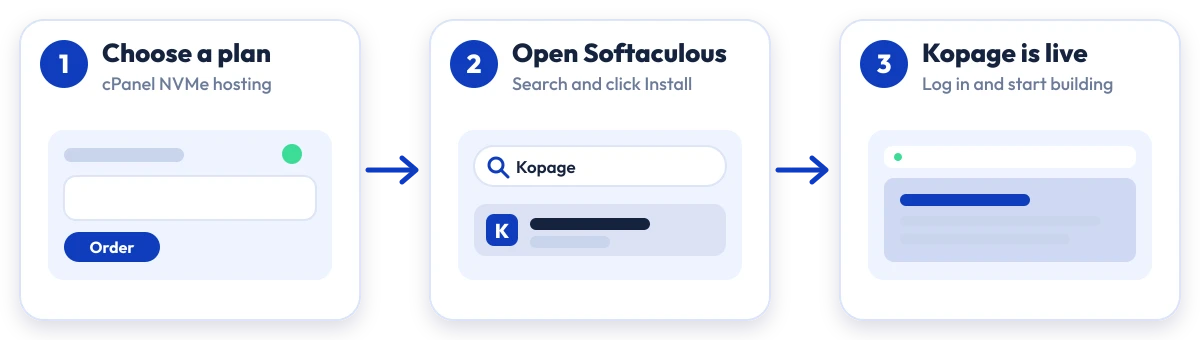
Install Kopage in four steps
No manual upload or database setup: Softaculous does it from your cPanel.

Plan
Choose a cPanel NVMe plan and server region

cPanel
Log in to cPanel and open Softaculous Apps Installer

Install
Search for Kopage, click Install and fill in the form

Launch
Open your new Kopage site and start building
Compare with other apps
People who look at Kopage often compare it with:
More Portal / CMS you can install in one click:
Kopage Hosting: Frequently Asked Questions
Everything you need to know
Still have questions?
Our support team is live 24/7 in English, Hindi & Marathi.
Ready to launch Kopage?
Pick a cPanel NVMe plan and install Kopage in one click. Free SSL, free migration and 24×7 support included.