

SSD VPS Hosting
High-performance VPS with full root access, SSD storage and unlimited traffic, choose Ubuntu, Debian, AlmaLinux, Rocky Linux or Windows Server, delivered within 2–3 days, with free DDoS protection and 24×7 expert support.
Full Root Access
Total control
SSD Storage
Upgradable disk
Global Locations
Deploy close to users

SSD VPS Plans
Pick your datacenter, then your billing term, prices update live, including any location surcharge.
Full root access, snapshots and DDoS protection on every plan, delivered within 2–3 days. Windows Server, daily backups and a bigger disk can be added at checkout. Prices exclude GST.
SSD VPS with Full Root Access
Full root access means you are the administrator of your own server, not a guest inside someone else's shared environment. You can install any package the OS supports, run custom services with systemd, open and close ports directly with iptables or ufw, compile software from source, and configure PHP-FPM pools, Nginx or Apache virtual hosts and cron jobs exactly the way your application needs, without waiting on a hosting panel to catch up. On a KVM VPS full root access instance, nothing about the server is abstracted away from you, the virtual machine boots its own kernel, keeps its own process table, and behaves like a physical box you happen to reach over SSH.
Picking an OS is mostly about what you already know and what your stack expects. Ubuntu is the default for most Node.js, Python and Docker workloads because package support and documentation are widest. Debian suits a slower-moving, conservative base for a production database or mail server. AlmaLinux and Rocky Linux exist for teams migrating off CentOS, they track RHEL closely, so cPanel-style tooling and enterprise software that certifies against RHEL behaves the same way. Windows Server makes sense when you're running .NET applications, MSSQL, or software with no Linux build at all, it costs more in licensing but saves you from working around a missing dependency.
Most people who move from shared hosting to a VPS aren't chasing a bigger number on a spec sheet, they're hitting a wall shared hosting is built to have: another tenant's traffic spike slowing down their own site, a plugin or background process the control panel won't allow, a port that needs to stay open for a worker process, or a database that needs tuning parameters the shared MySQL instance simply doesn't expose. A VPS removes that ceiling because the CPU and RAM allocated to your instance are yours alone, not pooled across other accounts on the same box, and you decide what runs and how.
Full root access is a responsibility as much as it's a perk. There's no panel holding your hand, security updates, firewall rules and backups are on you unless you set them up yourself. Treat the first day after delivery as setup time: lock down SSH with key-based login, disable password authentication, enable a firewall and only open the ports your application needs, and take a snapshot before making any change you're not fully sure about.
None of this is exclusive to advanced use cases. A freelance developer testing a new framework, a small agency isolating one client's site from another, and a growing SaaS team running background workers all end up on the same kind of instance, an SSD VPS with full root access, sized to whatever their workload actually needs that month rather than a fixed shared-hosting tier.
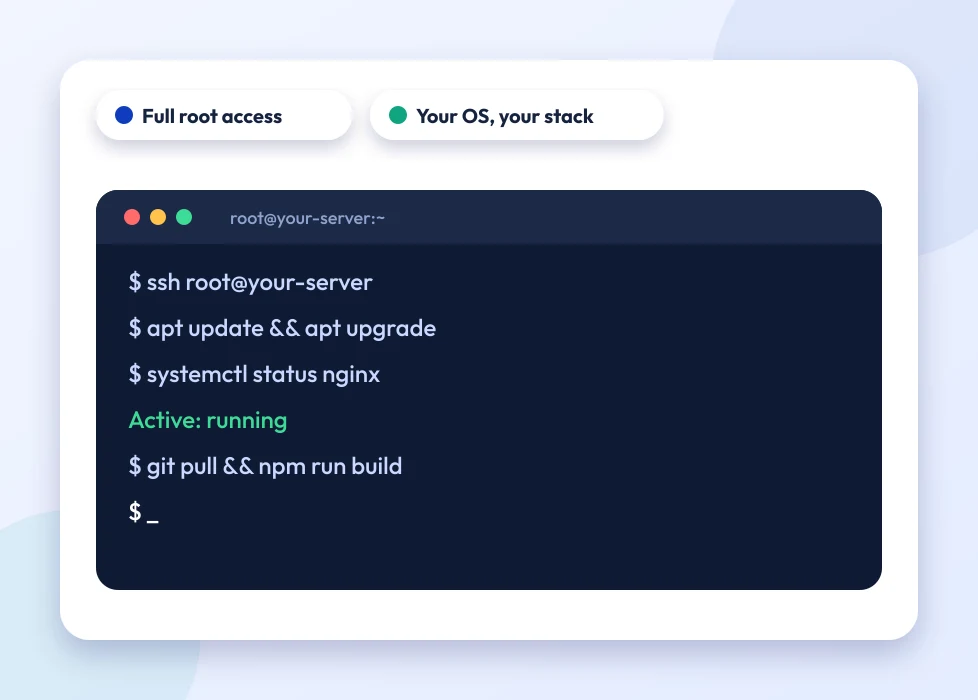
Who is a SSD VPS for?
Full-root SSD VPS power on NVMe KVM, for workloads that outgrow shared hosting.
Shared hosting works fine until it doesn't, usually the moment a site's traffic, a background process, or a client's expectations outgrow what a shared server can guarantee. Hostripples' SSD VPS hosting India customers most often fall into one of four groups below, and the resources listed on each plan (vCPU, RAM, SSD) are reserved for that account alone, never pooled with anyone else's.
Developers
Full root access to install any OS, language, database or stack you need, without asking a hosting panel for permission first. Run Node, Python, Go, a custom Docker setup or a message queue exactly the way your project is built, not the way a shared server allows.
Growing websites and apps
Dedicated CPU, RAM and NVMe that scale as your traffic grows, so a sudden spike in visitors doesn't slow down because someone else on the same physical server is having a busy day. Move from a 4-core plan up to 18 cores as the site earns it, without migrating to new hardware.
SaaS and custom apps
A private, isolated environment you control end to end, from the runtime version to the firewall rules protecting your API. That isolation matters for SaaS products handling customer data or running background jobs that a shared hosting account simply won't allow.
Agencies
Host demanding client projects with guaranteed resources instead of hoping a shared server has spare capacity when a client's campaign goes live. Spin up a separate VPS per client or per project, so one account's traffic spike never becomes another client's downtime.
Why choose a Hostripples SSD VPS
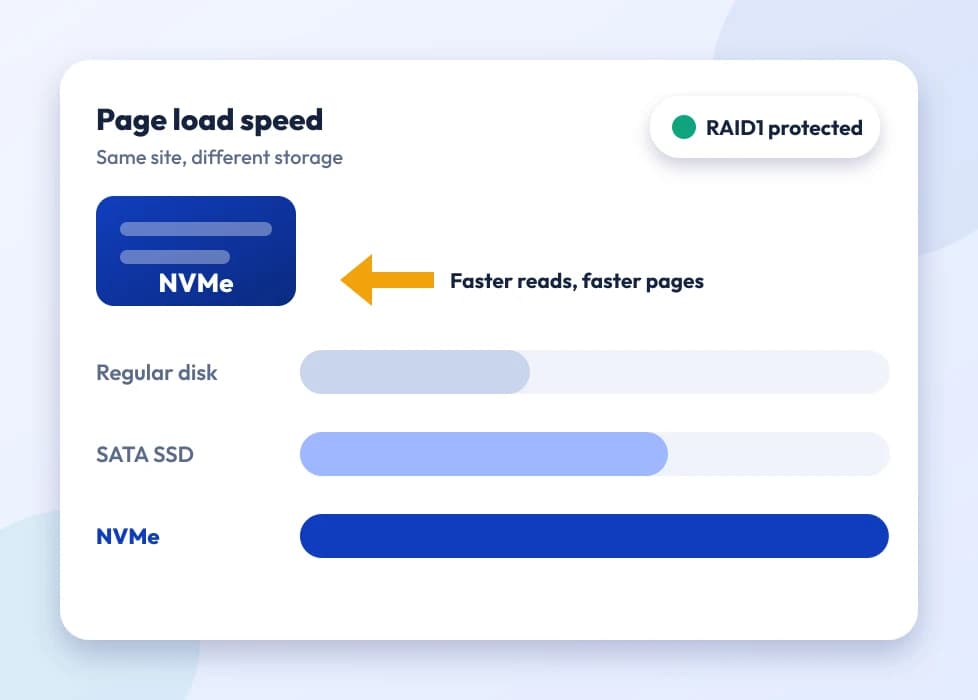
NVMe KVM virtualisation
True dedicated resources on pure-flash NVMe storage, no overselling. The CPU cores and RAM listed on your plan are reserved for you alone, not shared with however many other accounts happen to sit on the same physical host. Every Hostripples KVM VPS full root access instance runs its own kernel, so a noisy neighbour on the same hypervisor can't eat into your disk I/O the way it can on container-based virtualisation.
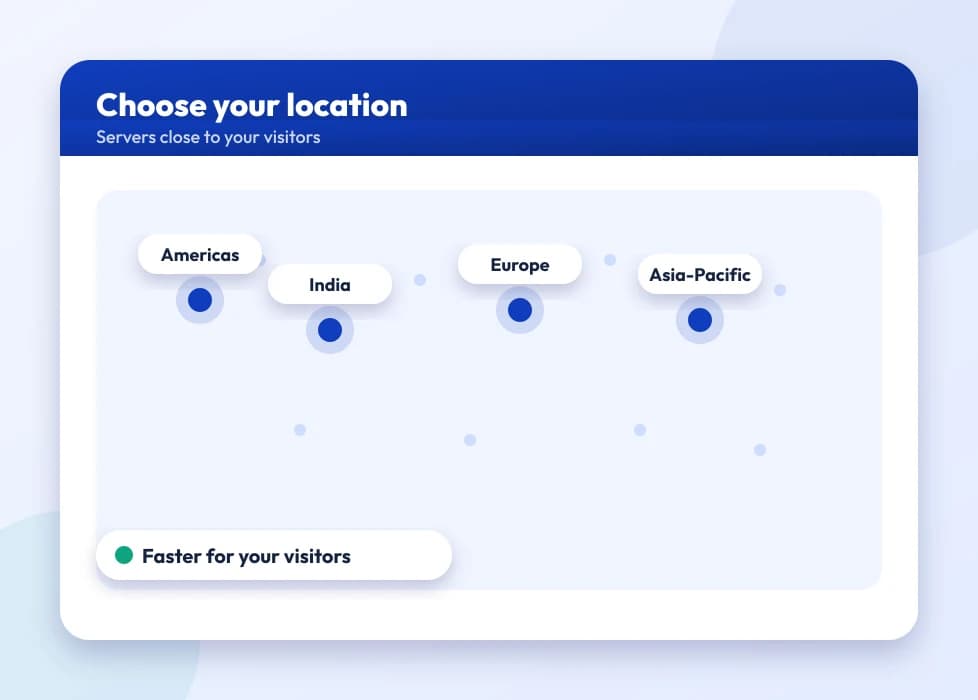
Choose your location
Run your SSD VPS India from the VPS hosting India datacenter near Delhi if most of your traffic is domestic, or pick from eight other regions across Germany, the UK, the US, Singapore, Japan and Australia when your users are somewhere else. Choosing the datacenter closest to your actual audience shaves real milliseconds off every request, which matters more than most people expect for anything interactive.
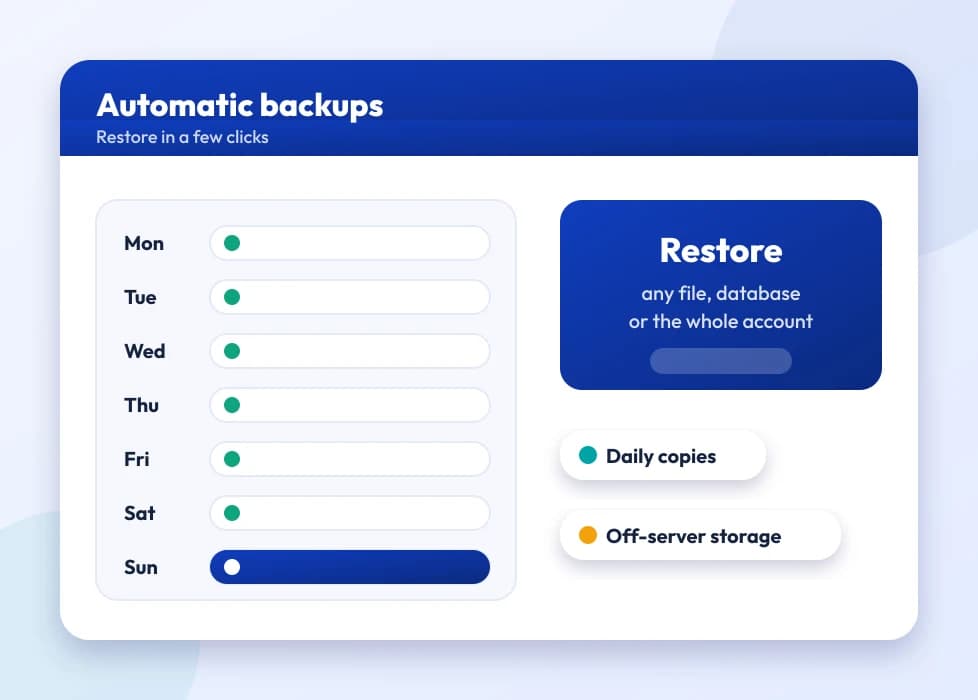
Snapshots and DDoS protection
Protect your data and stay online with on-demand snapshots you can take before any risky change, and roll back in minutes if something breaks. Network-level DDoS protection runs on every plan by default, not as a paid add-on, so a volumetric attack doesn't take your VPS offline.
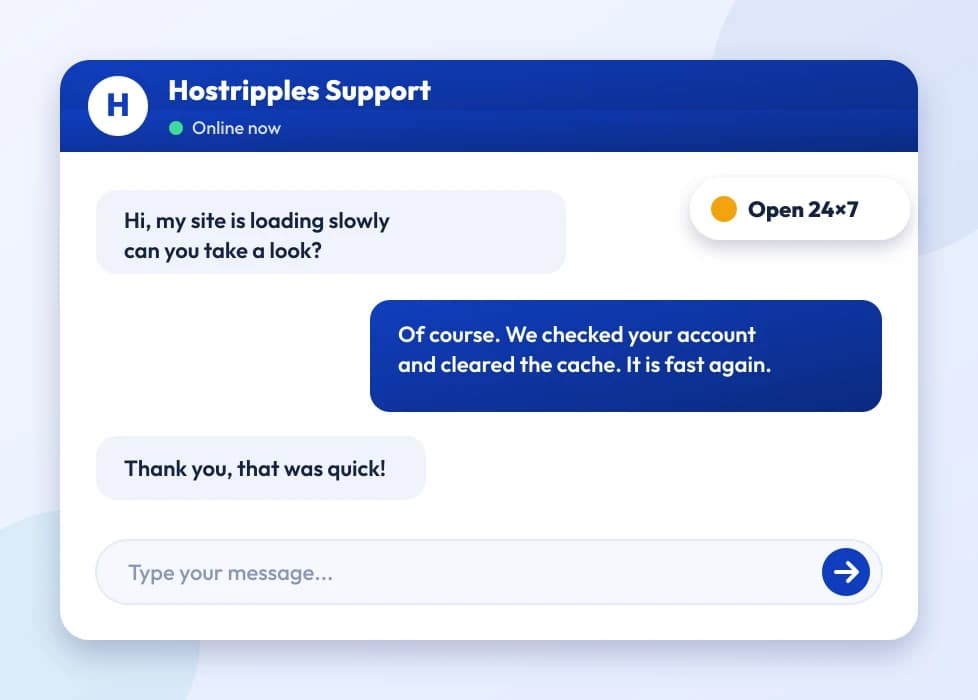
24×7 expert support
Real help whenever you need it, from engineers who work on VPS infrastructure day to day, not a generic ticket queue reading from a script. Plans start from ₹1,298.00/mo, and support is included at every tier, not reserved for the higher-priced ones.
Every SSD VPS ships with the same guarantees regardless of which core count you start on, upgrading later doesn’t mean starting over.
Frequently Asked Questions
Everything you need to know
Still have questions?
Our support team is live 24/7 in English, Hindi & Marathi.
Ready to launch your SSD VPS?
Get full root access, SSD storage and unlimited traffic, with free DDoS protection and 24×7 expert support.
Why Choose Us
Built for performance
Everything you need to launch and grow online.
Monitored servers
Our engineers monitor server health around the clock, CPU load, disk I/O and network anomalies, and step in the moment something looks wrong, often before it affects your site.
24/7 Technical Support
We're available 365 days a year, 24×7. Reach out with any question or issue, from a server-level problem to help understanding a billing cycle, and talk to a real technical support engineer.