

Fast, One-ClickXCloner Hosting
PHP and MySQL website backup and restore tool (standalone edition). Install XCloner in one click with the Softaculous installer on cPanel NVMe hosting: LiteSpeed, free SSL, daily backups and 24×7 support. From ₹129.00/mo billed triennially.
1-Click XCloner
Live in minutes
NVMe + LiteSpeed
Fast page loads
Free SSL & Backups
Secure by default
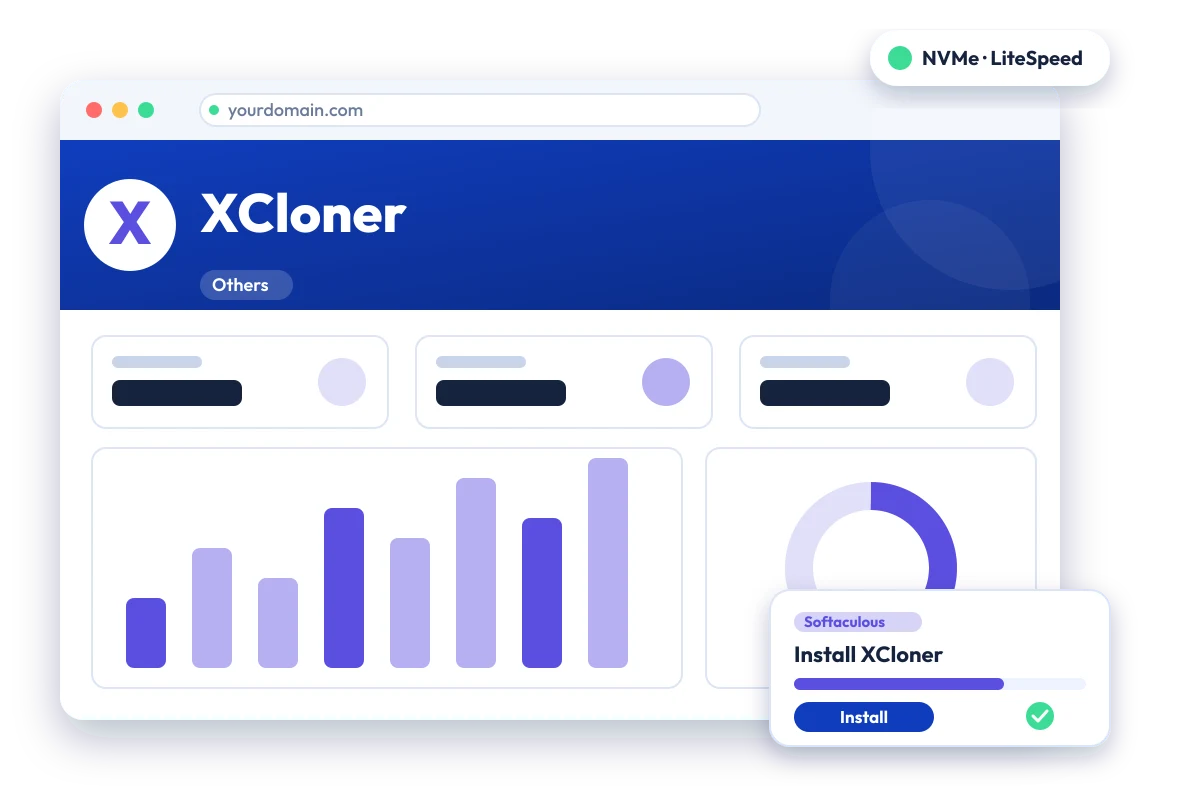
cPanel NVMe Hosting Plans for XCloner
Pick a server region and a plan, then install XCloner from Softaculous in one click. Prices are live from our billing system.
Starter
First site, blogs, portfolios
- 10 GB NVMe Storage (RAID1)
- 1 Website
- 1 GB RAM · 1 core
- Unlimited bandwidth, email & MySQL
- Free Let's Encrypt SSL & free migration
- LiteSpeed Enterprise + LSCache
- Imunify360 · KernelCare · CageFS
- Daily JetBackup backups
- cPanel · Softaculous (400+ apps)
- 24×7 support · 99.99% uptime
Smart
Small business, a few projects
- 30 GB NVMe Storage (RAID1)
- 5 Websites
- 2 GB RAM · 2 cores
- Unlimited bandwidth, email & MySQL
- Free Let's Encrypt SSL & free migration
- LiteSpeed Enterprise + LSCache
- Imunify360 · KernelCare · CageFS
- Daily JetBackup backups
- cPanel · Softaculous (400+ apps)
- 24×7 support · 99.99% uptime
Business
Agencies and growing stores
- 75 GB NVMe Storage (RAID1)
- 25 Websites
- 3 GB RAM · 3 cores
- Unlimited bandwidth, email & MySQL
- Free Let's Encrypt SSL & free migration
- LiteSpeed Enterprise + LSCache
- Imunify360 · KernelCare · CageFS
- Daily JetBackup backups
- cPanel · Softaculous (400+ apps)
- 24×7 support · 99.99% uptime
Enterprise
High-traffic, large portfolios
- 150 GB NVMe Storage (RAID1)
- Unlimited Websites
- 6 GB RAM · 4 cores
- Unlimited bandwidth, email & MySQL
- Free Let's Encrypt SSL & free migration
- LiteSpeed Enterprise + LSCache
- Imunify360 · KernelCare · CageFS
- Daily JetBackup backups
- cPanel · Softaculous (400+ apps)
- 24×7 support · 99.99% uptime
Every plan runs on enterprise NVMe storage in RAID1 with per-account CloudLinux limits. Prices are pre-GST with no setup fee; the same plans and prices apply in India, France, Poland, Canada and Singapore. 30-day money-back guarantee.
What is XCloner?
XCloner is a backup and restore application for PHP and MySQL websites. The standalone edition runs from a folder on the site and is managed in the browser. Its official standalone repository, licensed GPL-2.0, was archived in October 2022, so it no longer receives updates.
Project status: The official XCloner Standalone repository on GitHub was archived on 6 October 2022 and is read-only. XCloner also exists as separate WordPress and Joomla plugins, which are different products. We list it because it is still available in the Softaculous installer; consider an actively maintained alternative for new projects.
Licence: GPL-2.0 · Built with: PHP + MySQL · Official site: www.xcloner.com
Common uses
- Manual backup of a small PHP website
- Copying a site to another host
- Extra backup copy alongside host backups
XCloner requirements
- Database: MySQL
- A writable backups directory (administrator/backups/) inside the install folder
It needs PHP, MySQL and a writable backup folder, but the standalone repository is archived. The default admin login after install is documented as admin/admin, so change it immediately.
Why host XCloner with Hostripples
- One-click XCloner install from Softaculous inside cPanel, with no manual upload or database setup
- All-NVMe storage and LiteSpeed Enterprise with LSCache for quick page loads
- Selectable PHP versions per site and CloudLinux account isolation with CageFS
- Free SSL, daily JetBackup backups and Imunify360 malware protection
- Free migration of an existing XCloner site, and 24×7 support in English, Hindi and Marathi
XCloner features
What XCloner offers
Website backups
Creates backups of PHP and MySQL websites that can be restored elsewhere.
Scheduled backups
The vendor lists backup scheduling through cron jobs.
Cloud storage
The vendor lists Amazon S3 as a backup destination.
Split and incremental backups
The vendor lists file splitting and incremental backups for large sites.
Browser-based admin
Backup paths, storage location and database settings are set in a browser interface.
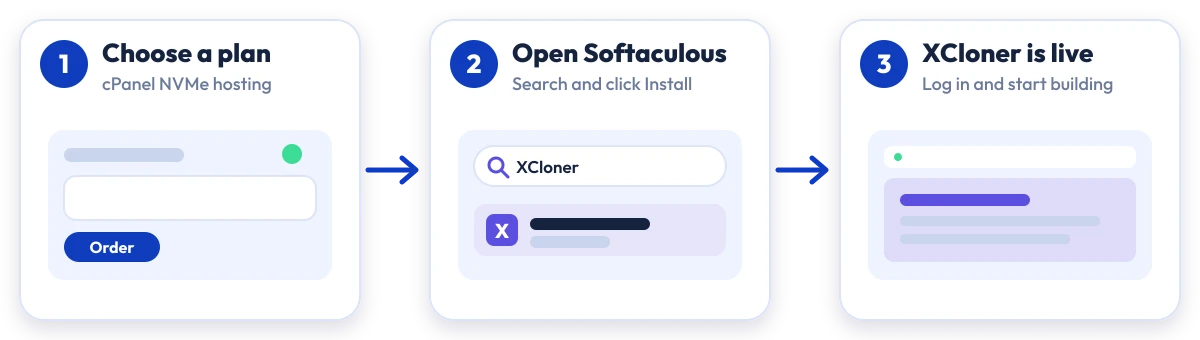
Install XCloner in four steps
No manual upload or database setup: Softaculous does it from your cPanel.

Plan
Choose a cPanel NVMe plan and server region

cPanel
Log in to cPanel and open Softaculous Apps Installer

Install
Search for XCloner, click Install and fill in the form

Launch
Open your new XCloner site and start building
Compare with other apps
More Others you can install in one click:
XCloner Hosting: Frequently Asked Questions
Everything you need to know
Still have questions?
Our support team is live 24/7 in English, Hindi & Marathi.
Ready to launch XCloner?
Pick a cPanel NVMe plan and install XCloner in one click. Free SSL, free migration and 24×7 support included.